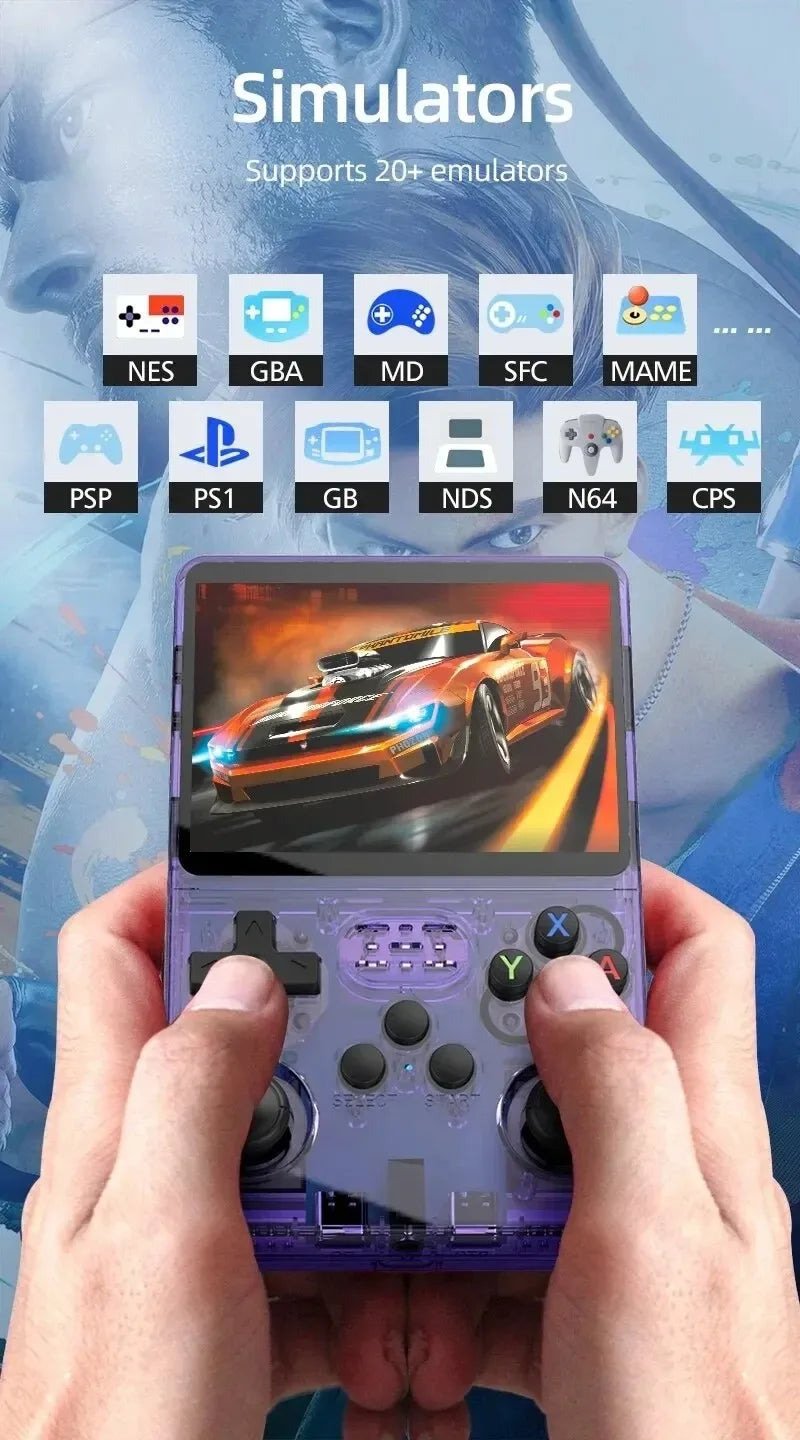
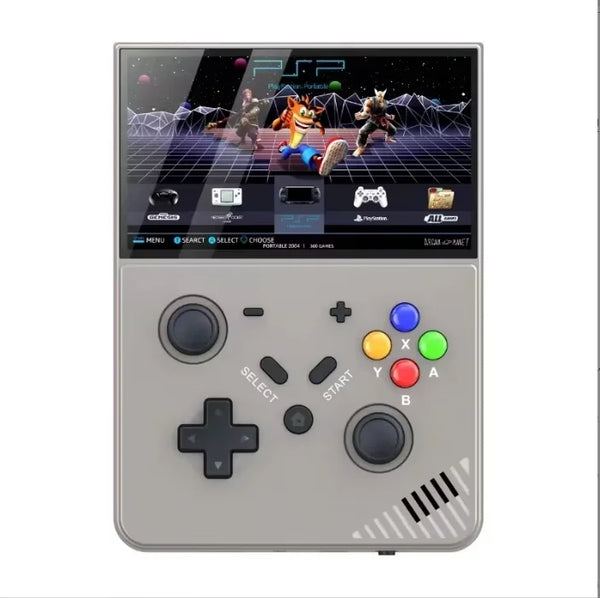
The R36S is one of the most popular budget retro handhelds on the market, and for good reason. But the marketing claims, "20,000 games", "plays everything", can set the wrong expectations. This guide tells you honestly what the R36S handles well, where it struggles, and where it stops entirely.
The chip: what it means in practice
The R36S runs on a RockChip RK3326 processor. This is important because emulation performance is tied almost entirely to the chip, not the brand or the firmware. The RK3326 is well-understood at this point, with years of community testing behind it. That means we know exactly where the ceiling is.
Systems the R36S handles brilliantly
These run at full speed with minimal tinkering. You can pick up and play.
- Super Nintendo (SNES): Near-perfect compatibility. All the classics play without issues.
- Game Boy Advance (GBA): Excellent. One of the strongest use cases for this class of device.
- Nintendo Entertainment System (NES): Runs everything, no exceptions at this performance level.
- Game Boy and Game Boy Colour: Perfect compatibility.
- Sega Mega Drive / Genesis: Full speed across the library.
- PlayStation 1 (PS1): The headline capability. Most PS1 games run well. Some demanding 3D titles may dip in demanding scenes, but the vast majority of the library is playable.
- MAME arcade titles: Strong performance across most arcade hardware generations up through the mid-1990s.
If your goal is to play 16-bit era games and PS1 classics, the R36S is the right device at the right price.
Systems that work, with caveats
Nintendo 64 (N64)
N64 emulation is playable but inconsistent. Simpler titles like Mario 64 and Ocarina of Time generally run at acceptable speeds. Graphically demanding games, anything with heavy particle effects or complex polygon counts, can drop frames noticeably. Expect to spend time adjusting settings for individual titles rather than a plug-and-play experience.
Nintendo DS (NDS)
Around 139 Nintendo DS titles have been confirmed playable on the R36S. That sounds significant, but the full NDS library runs into thousands of games. Compatibility is patchy, and some titles that appear to run will have audio glitches or frame drops in later levels. Check compatibility lists before counting on a specific title.
Sega Saturn
A handful of Saturn titles run, but the system was notoriously complex hardware and most games are unreliable at this chip level. Not a primary use case for the R36S.
Systems to skip
These will not run at playable performance on the R36S:
- PlayStation 2 (PS2): Requires significantly more processing power than the RK3326 can provide.
- GameCube and Wii: Not possible on this hardware.
- 3DS: Not supported.
- Anything modern: The R36S is a retro device and performs as one.
If you need PS2 or GameCube emulation, the Windows 11 Handheld Console on a Ryzen Z2 chip is the step up that makes it possible. It costs more and runs a full desktop OS, but the performance ceiling is much higher.
Firmware: install ROCKNIX
The R36S from Arcade35 comes pre-loaded with 20,000 games and runs ROCKNIX firmware, the community's recommended operating system for this device. ROCKNIX is actively maintained, regularly updated, and has the best per-system emulator configuration of any firmware available for the R36S.
AmberELEC is sometimes mentioned as an alternative, but it has been discontinued and no longer receives updates. UnofficialOS exists but has known stability issues on genuine R36S hardware. ROCKNIX is the one to use.
What comes pre-loaded
Arcade35's R36S ships with 20,000 games across the major supported systems. The library covers NES, SNES, GBA, Mega Drive, PS1, arcade classics, and more. The storage variant you choose (64GB or 128GB) determines whether additional game files can be added to the included card or whether a second card is easier to manage.
Tips for getting the most out of it
- Use per-game settings for N64: There is no universal N64 configuration that works for all titles. The ROCKNIX interface lets you save settings per game, which is how most people get N64 working reliably.
- Enable save states: PS1 games that did not support memory cards originally can now be saved anywhere. Use it.
- Screen brightness at 70 to 80 percent: The IPS display is bright enough that full brightness drains the battery quickly. Dropping it slightly doubles your session length without a visible quality difference.
- Charge fully before first use: Li-ion cells last longer when given a full charge before the first session.
The bottom line
The R36S is an honest device. It does exactly what the underlying hardware allows, and for 16-bit and PS1-era gaming it is genuinely excellent. The limitations are real but well-understood. Buy it knowing what it is, and it will not disappoint.
Grab the R36S from Arcade35 with free Australian delivery, or read our R36S vs R35S Plus comparison if you are still deciding between the two models.